Storage-heavy dedicated servers: how to choose drive bays, NVMe vs SSD vs HDD

Knowledge blog
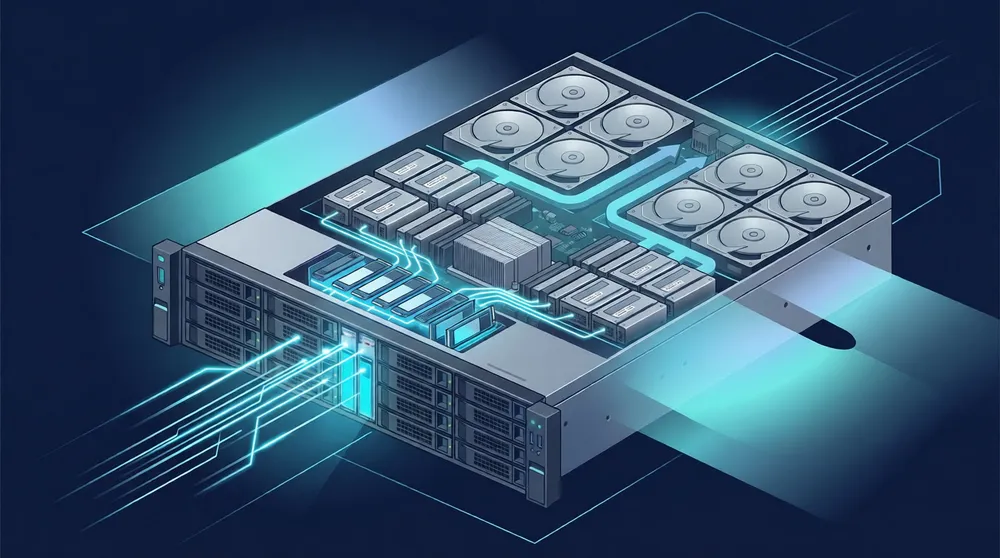
When you need a server that is mostly about storage – backups, media, databases, object storage, surveillance, big data – the CPU stops being the headline. The real decisions are how many drive bays, which drive type, and what RAID layout. Get those right and you hit your capacity and performance targets without overpaying. Here is how to choose.
First, classify your storage workload
- Capacity or speed? Cold archive and backups want cheap terabytes; databases and busy apps want low-latency IOPS.
- Read-heavy or write-heavy? This affects drive endurance and RAID choice.
- How much can you lose if a drive fails? This drives the redundancy level.
Answer these before looking at any spec sheet.
NVMe vs SSD vs HDD - what each is for
| Drive type | Strength | Best for | Watch-out |
| NVMe SSD | Highest IOPS & lowest latency | Databases, VM/VPS storage, hot data, caching | Higher cost per TB |
| SATA/SAS SSD | Fast, cheaper per TB than NVMe | General app storage, mixed workloads | Slower than NVMe |
| HDD | Cheapest per TB, huge capacity | Backups, archives, media, cold object storage | High latency, lower IOPS |
A common, cost-effective pattern is tiering: a small NVMe tier for hot data and the OS, plus high-capacity HDDs for bulk. You get speed where it counts and cheap terabytes where it does not.
Drive bays = your capacity and flexibility ceiling
The number of bays determines both how much you can store and how you can lay out RAID. Rules of thumb: 2-4 bays for general servers and smaller databases; 8-12 bays for storage-oriented builds with room for tiering and resilient RAID; 12+ bays for dedicated storage nodes, backup targets and object storage at scale. If storage is the point of the server, start by filtering on minimum drive slots (e.g., 12+) and work back to CPU/RAM from there.
RAID: balancing capacity, speed and safety
| RAID | Redundancy | Trade-off | Typical use |
| RAID 1 | Mirror (1 drive) | 50% usable capacity | OS, small critical volumes |
| RAID 10 | Mirror + stripe | Fast, 50% usable | Databases, write-heavy |
| RAID 5 | 1-drive parity | Good capacity, slower writes | General storage |
| RAID 6 | 2-drive parity | Survives 2 failures | Large HDD arrays |
For large HDD arrays, RAID 6 is the common safe choice – rebuild times on big disks are long, and the second parity drive protects you during that window. For latency-sensitive databases, RAID 10 trades capacity for speed and fast rebuilds. RAID is not a backup – keep a separate backup target, ideally off the same box.
Capacity planning: do not fill to the brim
- Plan for growth headroom (filesystems and SSDs both slow down near full).
- Account for RAID overhead (parity/mirror reduces usable capacity).
- Separate OS, data and backups onto appropriate tiers.
- For write-heavy SSD workloads, check endurance (DWPD/TBW) so the drives last the contract.
The platform around the disks
Storage servers move a lot of data, so the network and the provider matter. Worldstream includes generous monthly traffic with every server (50-100 TB depending on uplink) on a 10 Tbit/s+ backbone – so moving terabytes stays predictable rather than per-request. Its own Dutch data centers (Naaldwijk) keep your data where you expect, backed by SOC 1 / SOC 2 Type II assurance and PCI-DSS compliance. Instant-delivery servers go live within 2 hours (custom builds within 24 hours), with a 7-minute average support response, 24/7/365, and a fixed monthly price so a growing storage footprint stays budgetable.
A quick decision flow
- Capacity-first (backup/archive/media): many HDD bays + RAID 6.
- Performance-first (database/VM storage): NVMe/SSD + RAID 10.
- Mixed: tiered – small NVMe hot tier + HDD bulk.
- Filter on drive slots first, then size CPU/RAM to feed it.
Takeaway
For storage-heavy builds, lead with bays, drive type and RAID, not the CPU. Match drive type to whether you are capacity- or speed-bound, pick RAID for your failure tolerance, and choose a provider where moving terabytes stays predictable and your data lives where you expect. Solid IT. No Surprises.
FAQ
NVMe – its IOPS and latency advantage matters most under database load. Use SSD/HDD tiers for colder data.